
¶ Finamp
Finamp is a mobile/desktop client player for Jellyfin's music library. It is the same idea and setup as Jellyfin is, but for music rather than watchable media.
¶ What you need from me
To setup and use Finamp, you're going to need the same information as you did for Jellyfin, which includes:
- Jellyfin server link
- Jellyseerr request link
- Jellyfin username
- Jellyfin password
If you have not yet obtained these, shoot me a message and I'll get you set up.
¶ How to download
You can download the Finamp app for Apple devices at the following:
Or for Android devices, at either of the following:
Note: There is no Finamp application for Windows or Linux at this time.
¶ First Time Setup
-
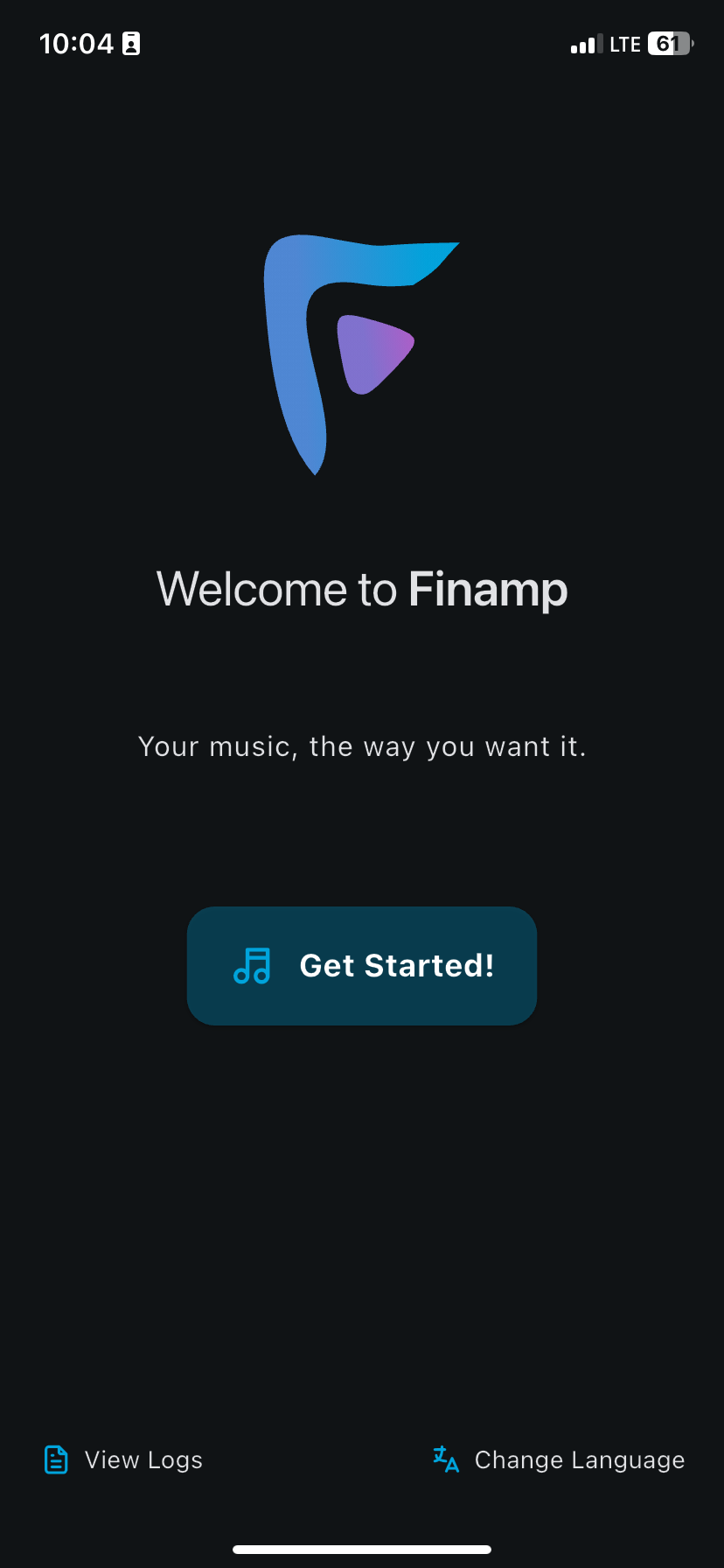
After downloading the Finamp app on your mobile/desktop device, open it up and you'll be greeted by the following screen:
-
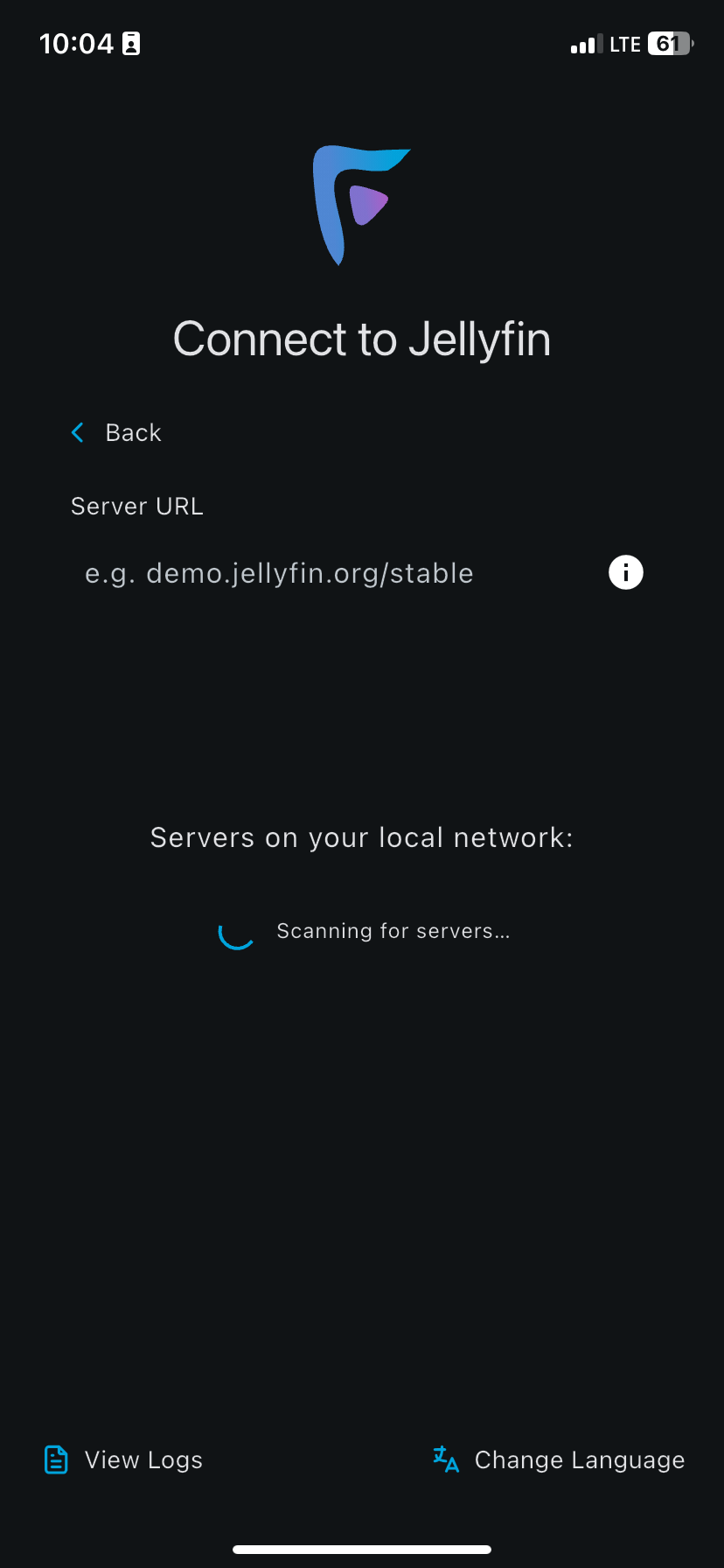
Go ahead and click the "Get Started" button, after which you'll see something similar to the following:
-
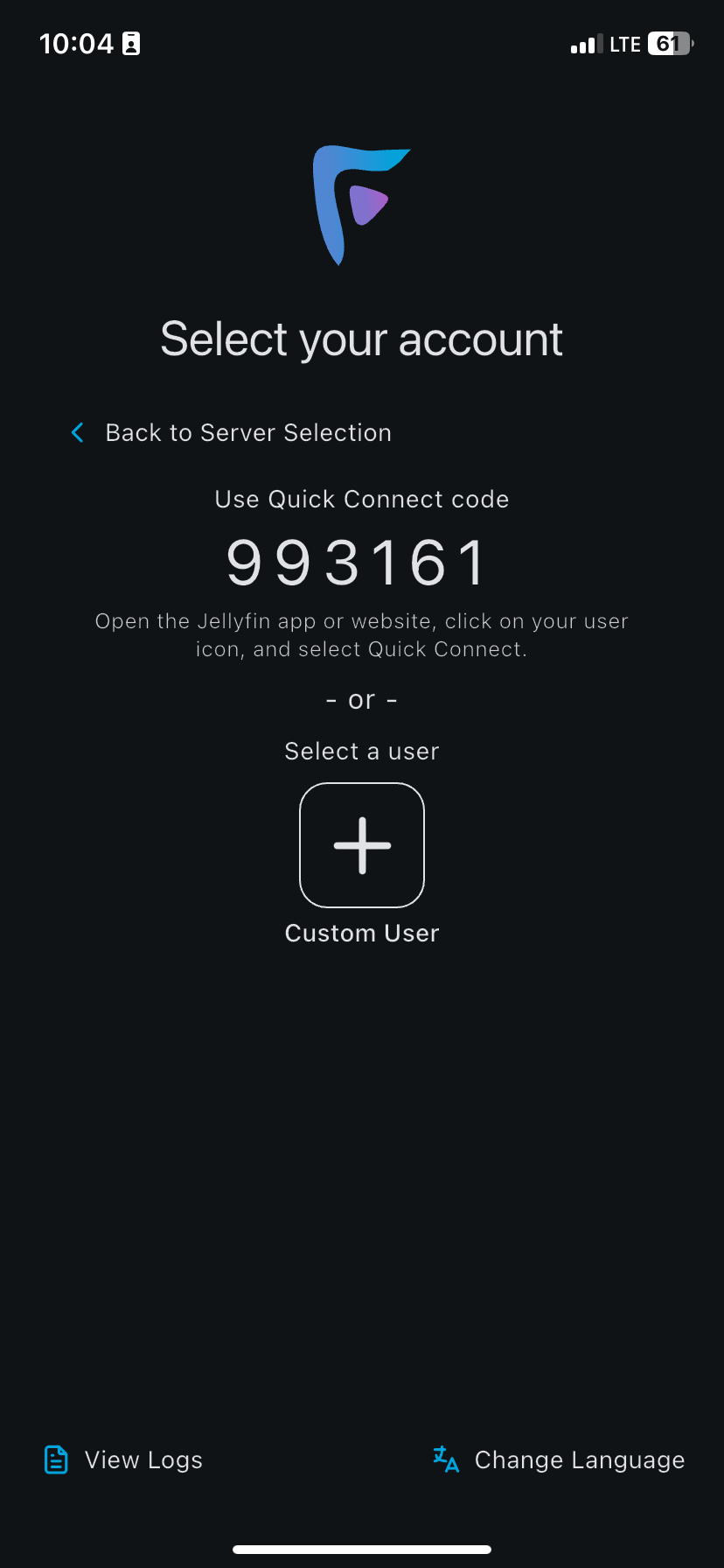
This is where you'll enter the Jellyfin server link that you obtained at the start. Enter the full URL (https:// included with it), then go ahead and click on the option that pops up. You'll see the next screen if done correctly:
-
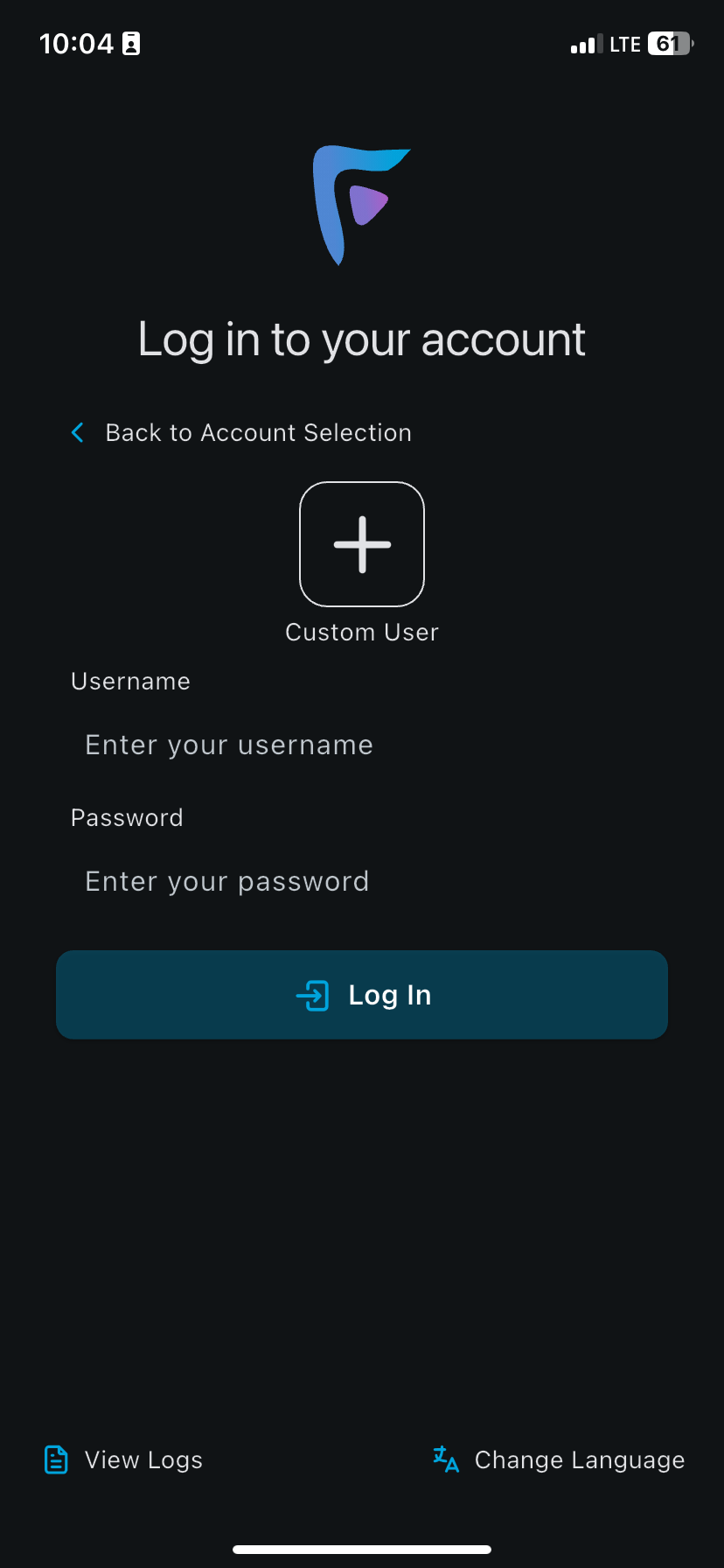
Here, you can ignore the quick connect code on the screen. Instead, hit the Custom User button, after which you'll see this screen:
-
Now, ignore the Custom User button. Instead, go ahead and enter your Jellyfin username and password that you obtained previously.
-
Hit login, and you'll be greeted by the music library seen below:
-
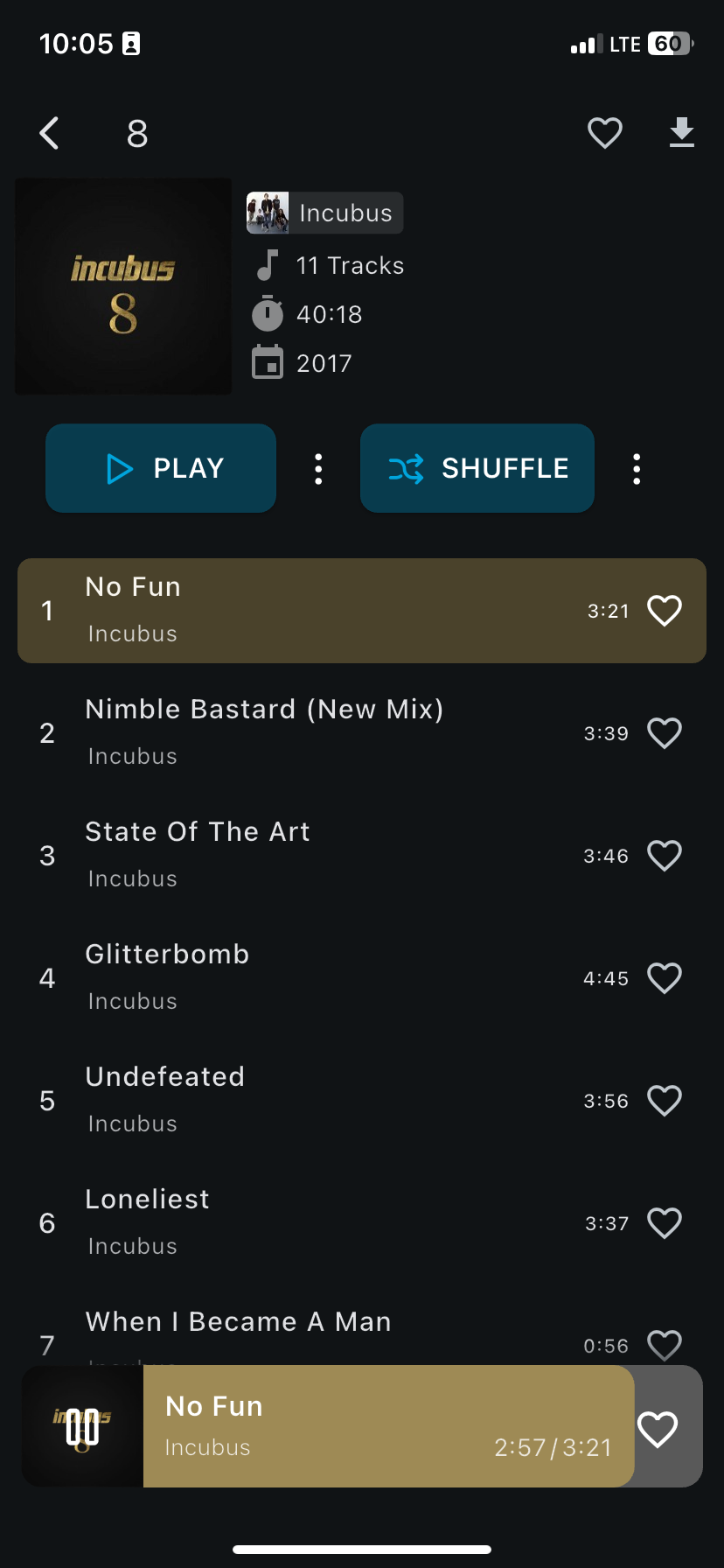
Though it is a very intuitive app, I want to key in on some of the features that make it a worthy alternative to Spotify. Go ahead and select an album, then click on a song. You'll see the album's page as below:
-
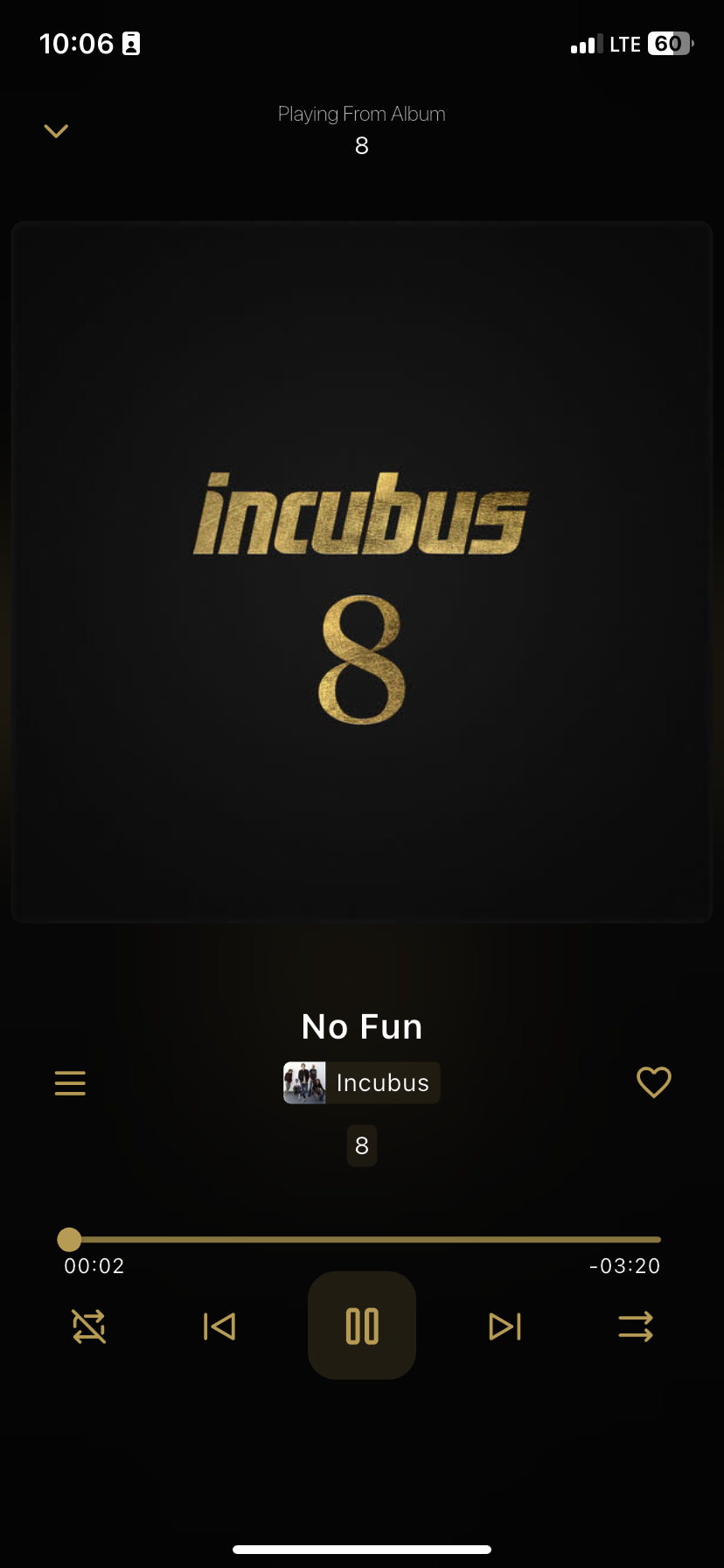
If you click on the bottom bar where the song is displayed, the player's menu will open up:
-
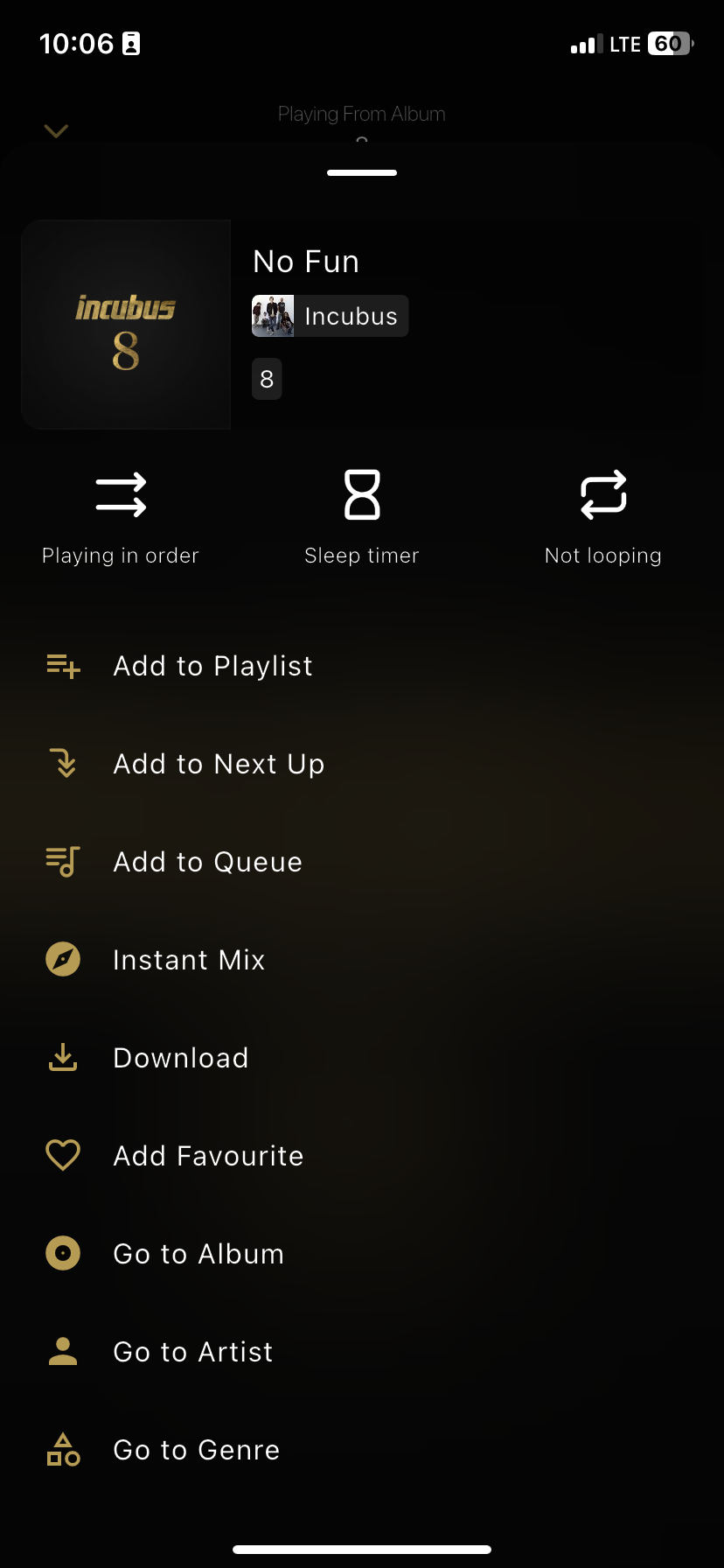
Now, if you hit the hamburger (three lines) icon in this view, you'll be able to see all of the other options relevant to the track you are playing:
-
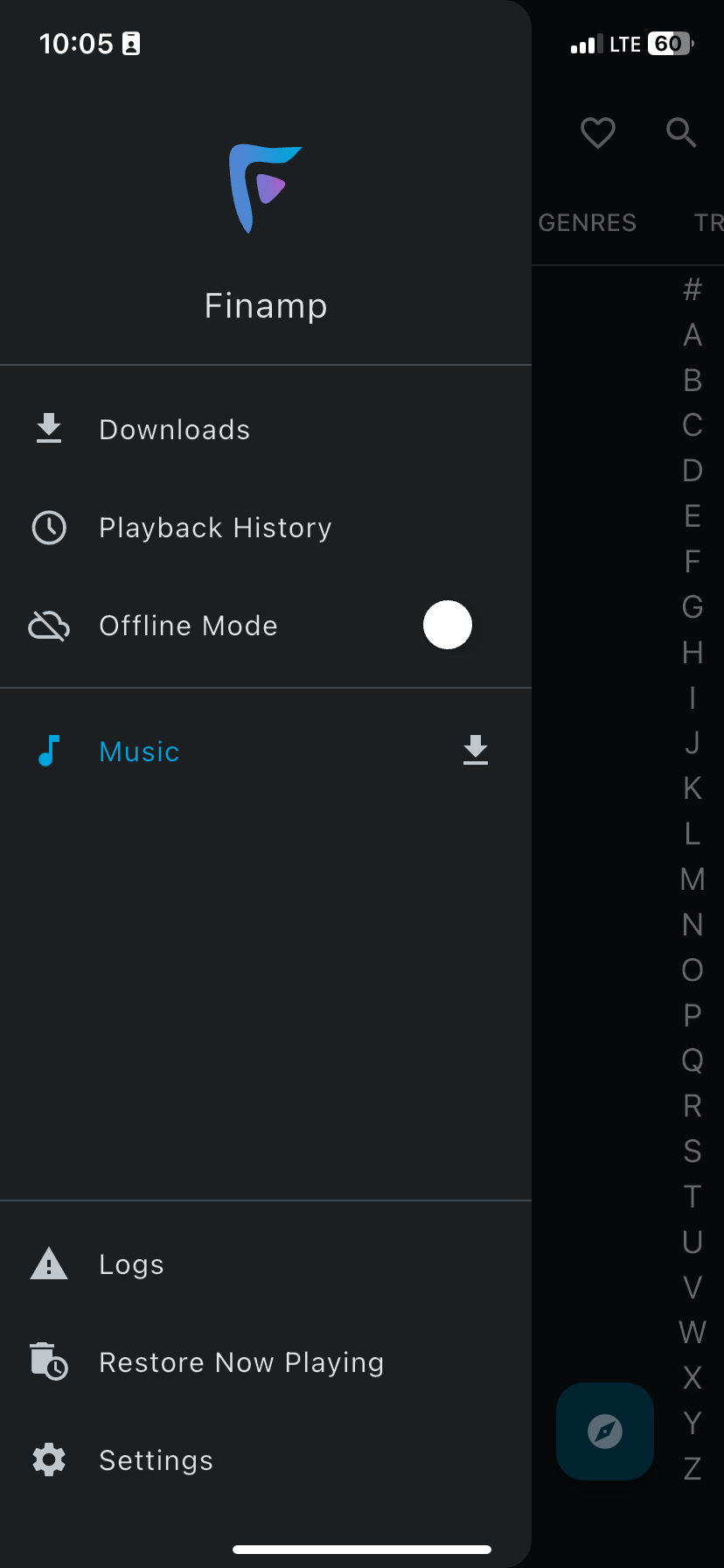
Finally, I want to make it know that the music is downloadable through Finamp, so if you have any music that you have want to have on your device, or be able to play offline, you can see it by hitting the hamburger (three lines) button in the top left of the app's home screen, which opens the menu seen below:
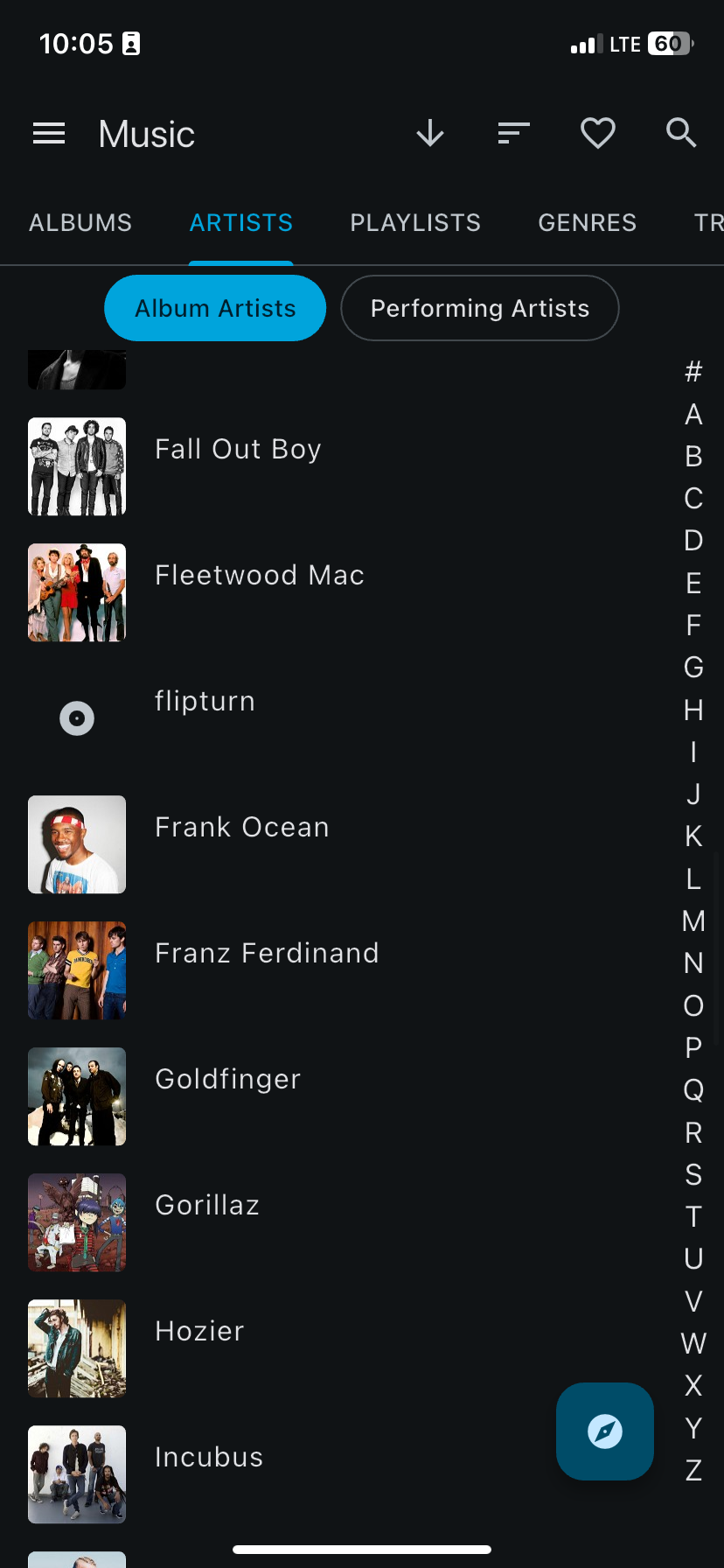
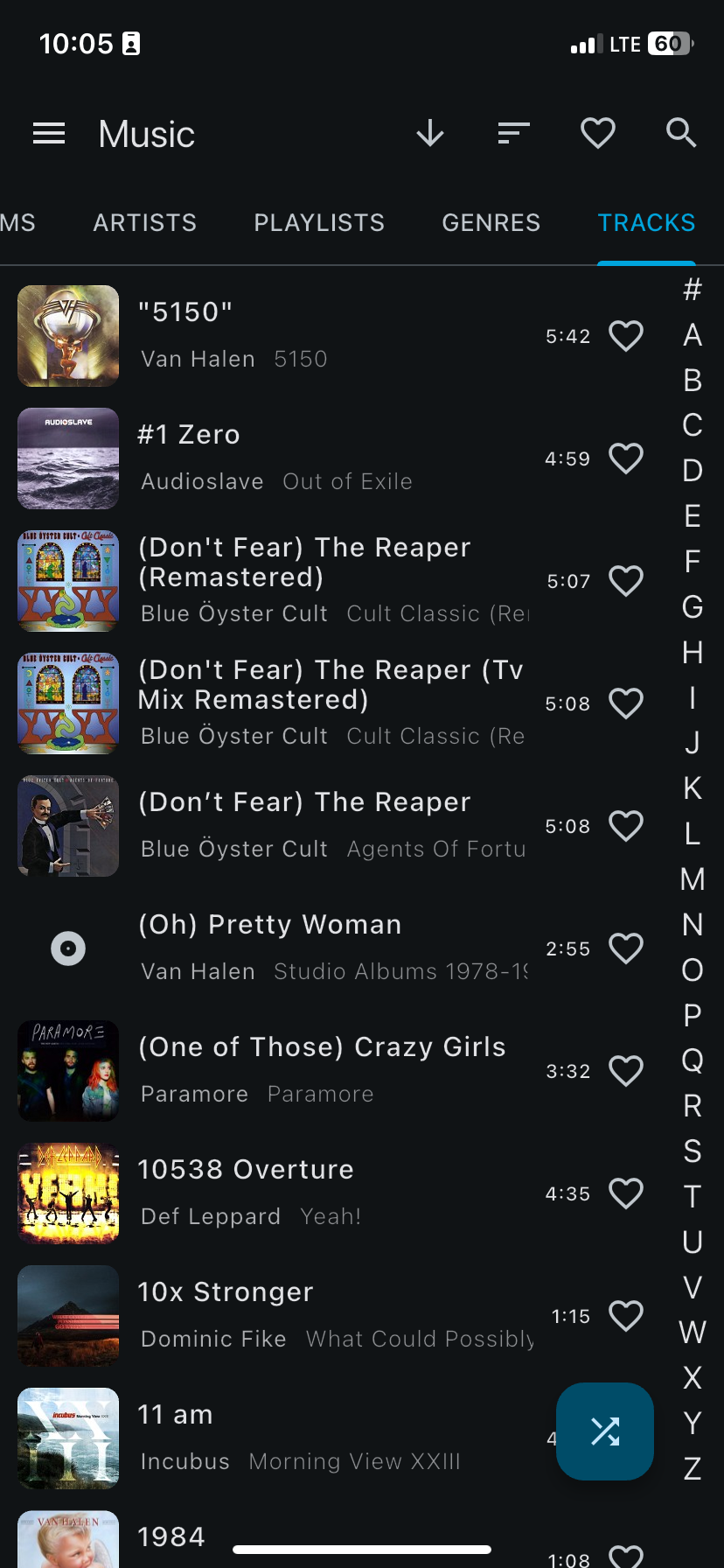
Note: When you're phone screen is locked while playing music, it is displayed the exact same way as any other music client does already.
¶ How do I request music?
At this moment, there is no way to request more music besides shooting me a text to ask me for it.
However, the team over at Jellyseerr are currently working on implementing the ability to request music through Jellyseerr, so that all your media requests are done in the same place. Hopefully in the near future, you'll be able to request music through Jellyseerr!
- For updates on the progress of this Jellyseerr feature, head over to the Jellyseerr Quick Start Guide and scroll to the bottom of the page.
¶ Anything else?
That's it! You're ready to stream music from the Jellyfin library straight through to your mobile device using Finamp. Happy listening!