
Jellyseerr is a request system for Jellyfin. On Jellyseer, user can request media (movies, tv series, and soon music) that is not currently available on Jellyfin. Once requests have been made, the admin for Jellyseer chooses whether to approve or decline the request. If approved, the content should be readily available within a day or two.
¶ What you need from me
To use Jellyseer, you will need the same credentials from me as you do for Jellyfin (excluding the Jellyfin server link), which includes:
- Jellyseerr request website link
- Jellyfin Username
- Jellyfin Password
Once you obtain these and have them ready, proceed through the rest of this page to become familiar with the service.
¶ Is there a Jellyseerr mobile/desktop app?
There currently is no existing mobile or desktop application for Jellyseerr, nor are there plans to undergo development of one. Right now, the only way to access Jellyseerr is by using any web browser, including those built into your phone or computer.
¶ Alternatives to website navigation
If you would like to setup Jellyseerr to mimic the behavior of a mobile phone app, iOS devices have very good support for this thanks to the Safari web browser. The page can be saved to your home screen, making it behave like an app, so that you don't have to use any extra clicks. Here's how to do it:
-
On your iPhone, iPad, or other device, open the Safari app
-
Navigate to the Jellyseer request website link obtained prior
-
At the bottom of your screen, hit the share button (square with an arrow pointing up)
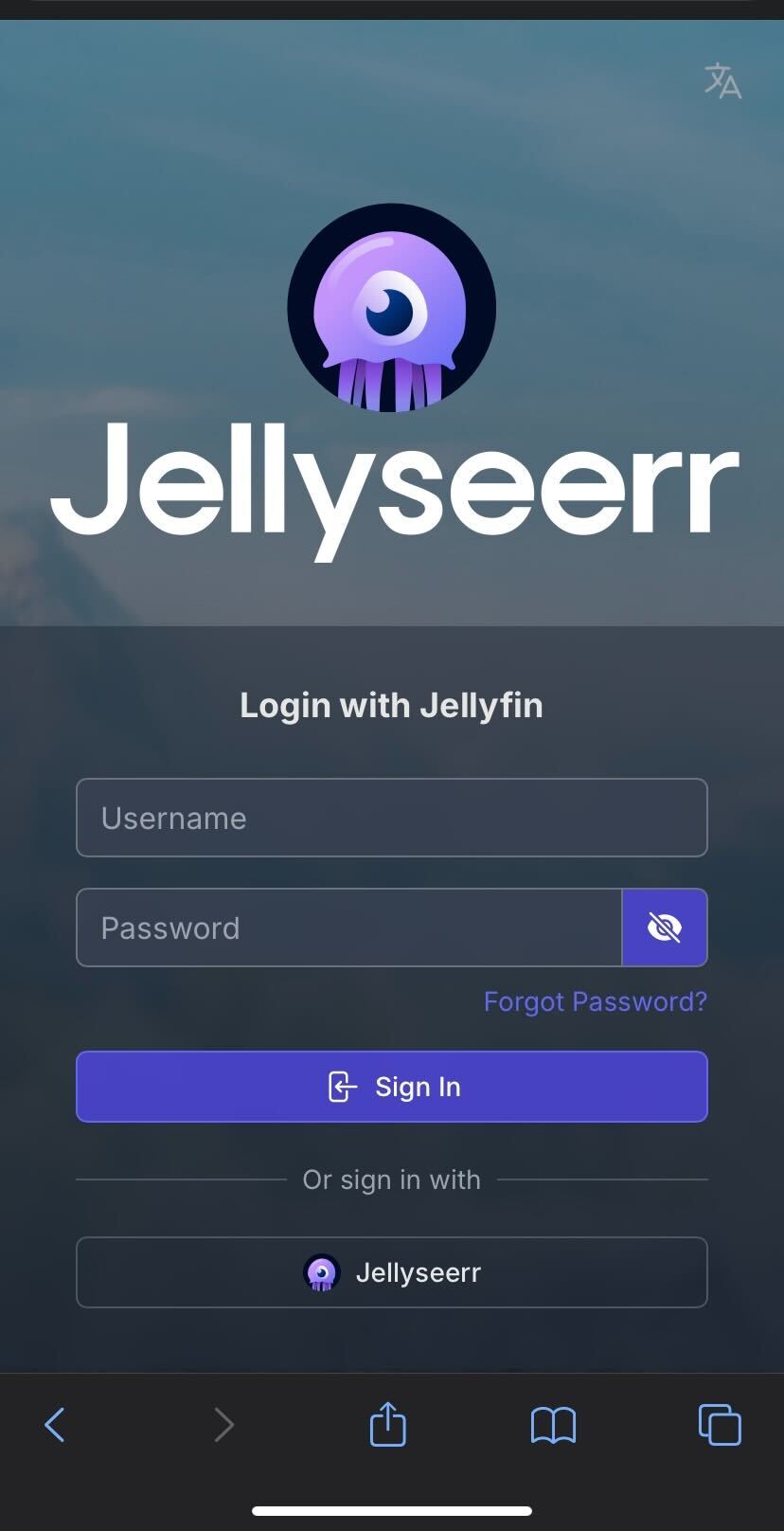
-
After this, hit the "Add to Home Screen" button in the list of actions seen here:
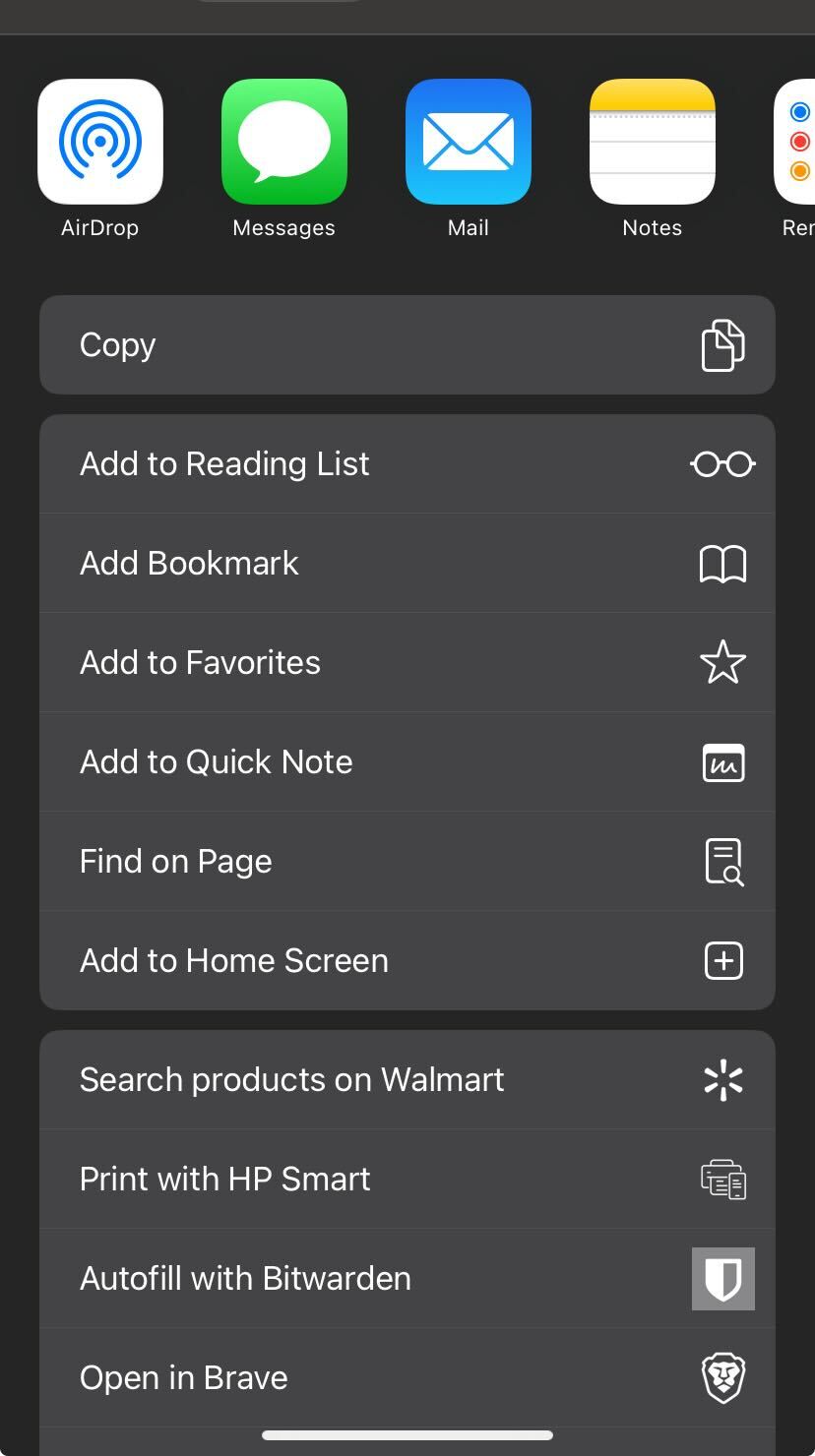
-
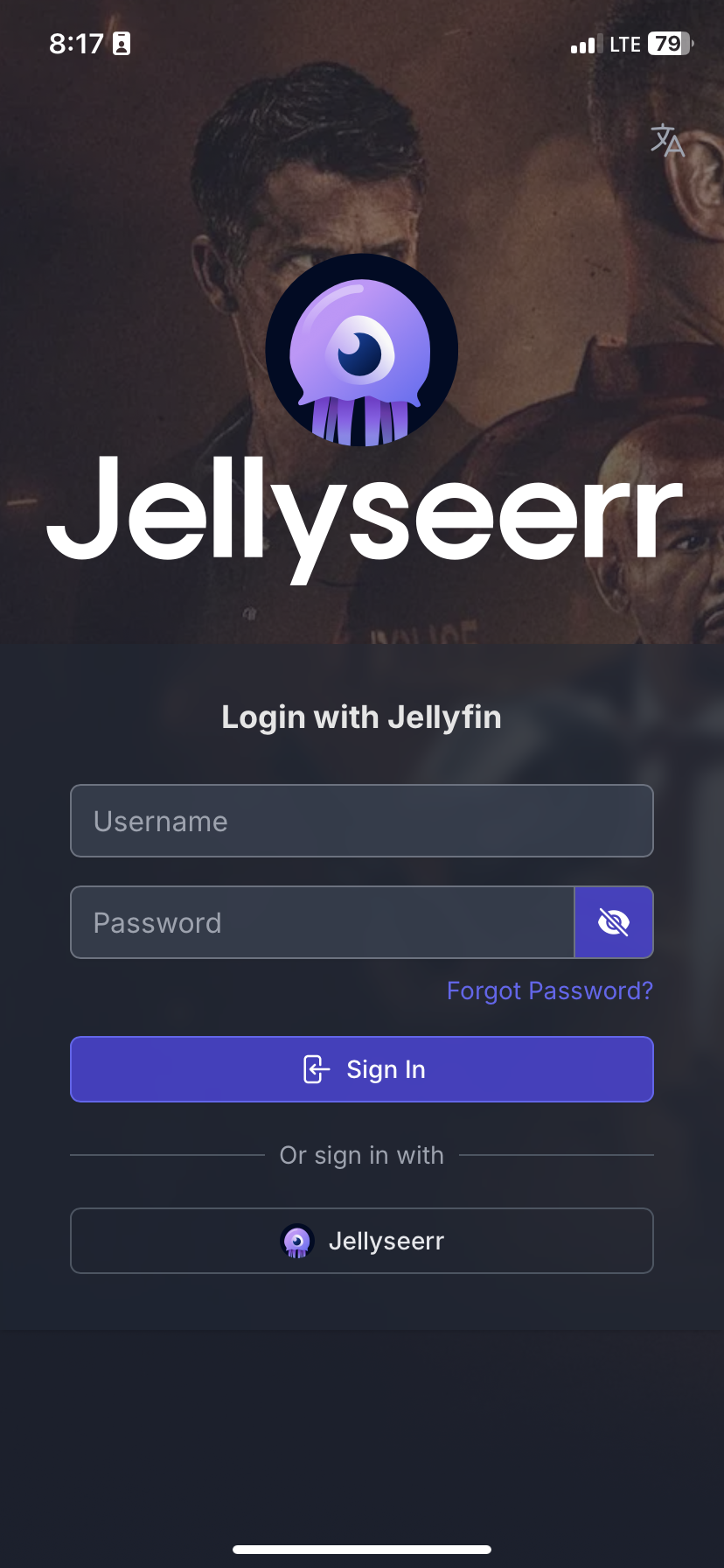
After clicking, a new icon should appear on your homescreen for Jellyseerr (App icon will be the logo). Now, when you open that app icon, you should be greeted by the following instead of needing to navigate to Jellyseerr:
¶ How to use Jellyseerr
At this point you're probably wondering, "Ok, so how do I actually use this 'Jelly' thing?"
Let's get into it!
-
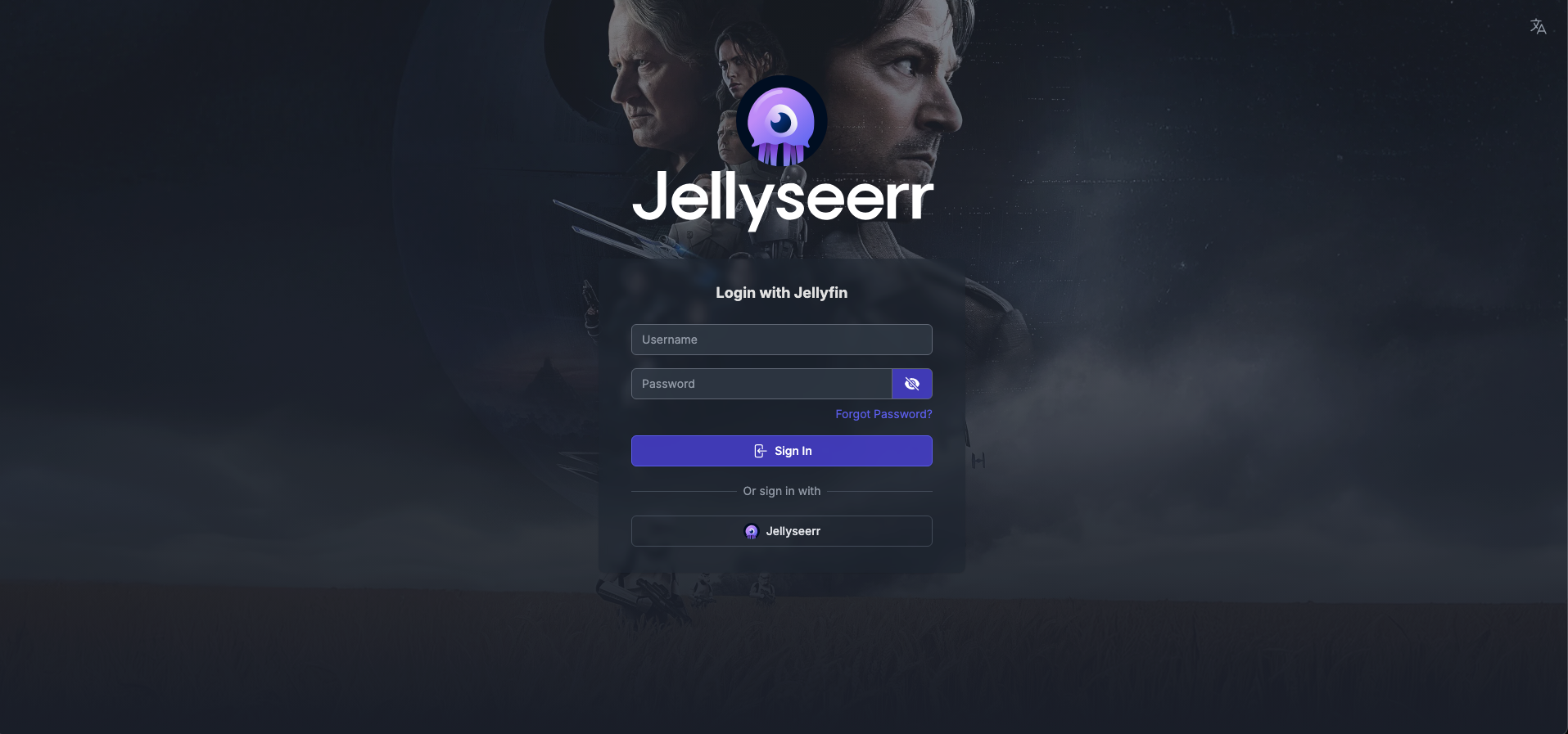
First, in a web browser of your choosing, navigate to the Jellyseerr request website link that you obtained at the start. The site will look similar to the following:
-
On this screen, you'll want to make sure that you're using the option to "Login with Jellyfin" rather than using the option to "Login with Jellyseerr"
-
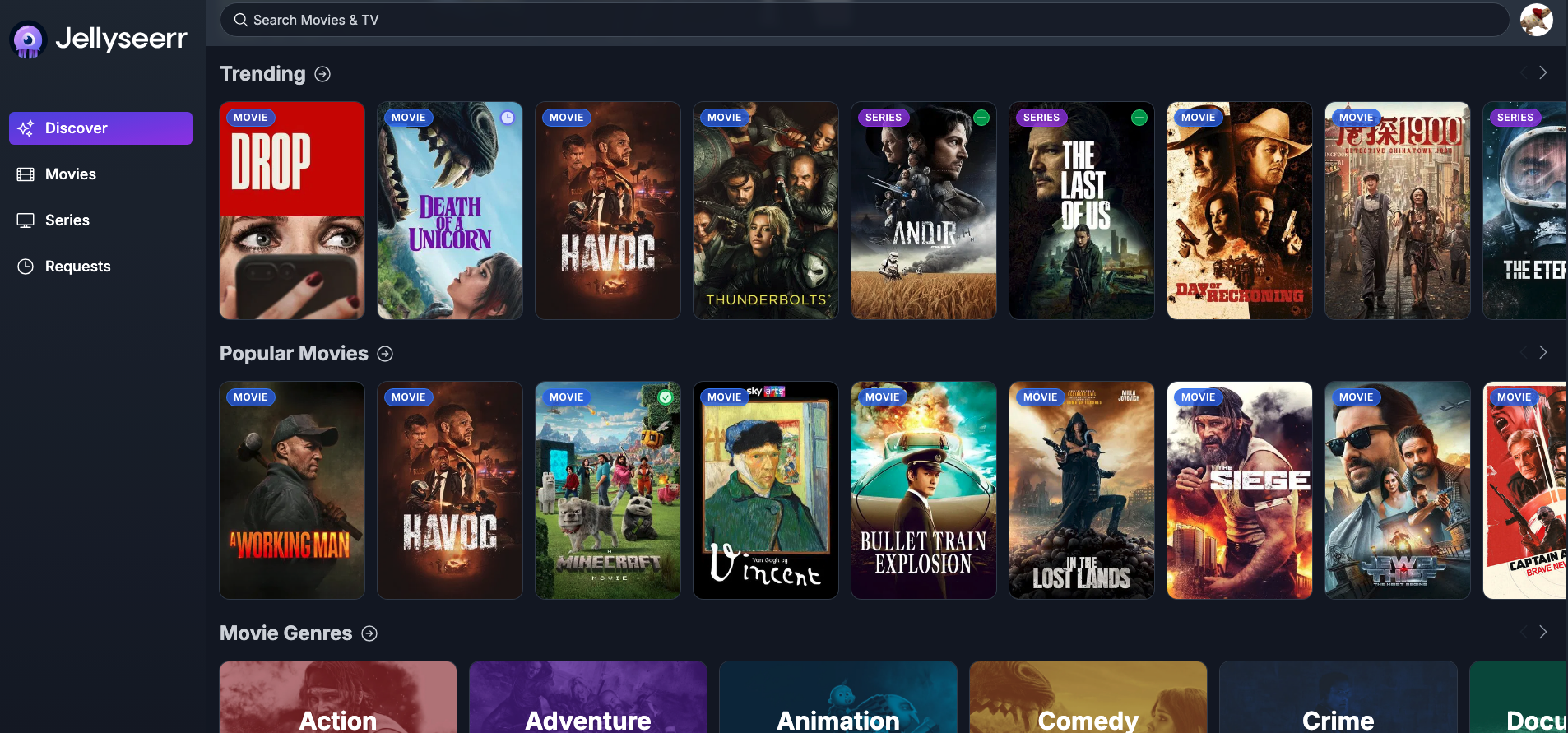
Select the option above, and enter your Jellyfin username and password. Then, hit login, and you should be greeted by a screen that looks like the one below:
¶ Requesting Movies
To request a movie, it can be done in two ways:
-
Hover your mouse over one of the cards listed for the movie on any of the screens, which will display the following request button:

-
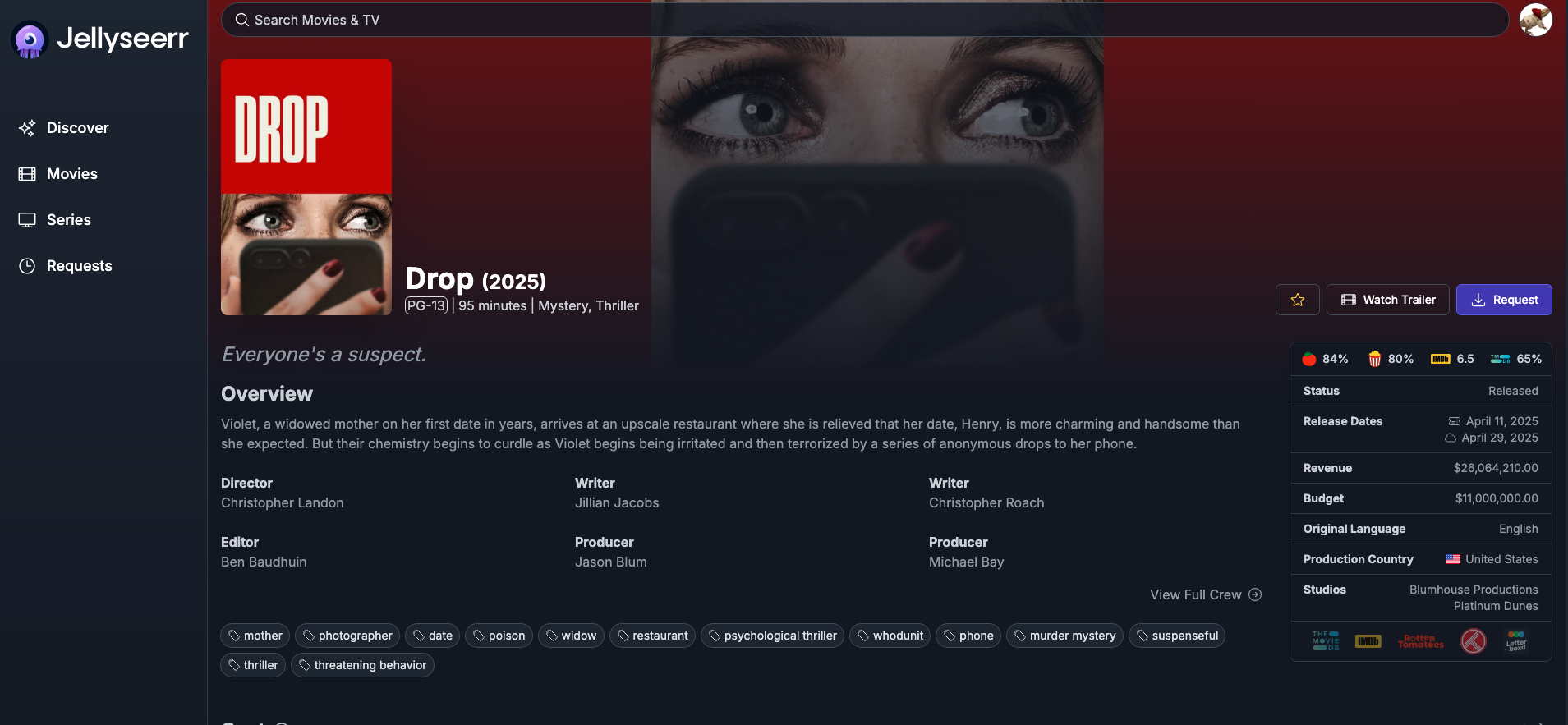
Click on the movie you want to request, and you'll be brought to its page like below. Here, you'll just tap the request button on the right side, and hit request in the pop up.
¶ Requesting a TV Series
Requesting a TV series can be done in the two ways listed below:
-
Simply click the request button that pops up when hovering over the series' card, and you'll be greeted with this popup:
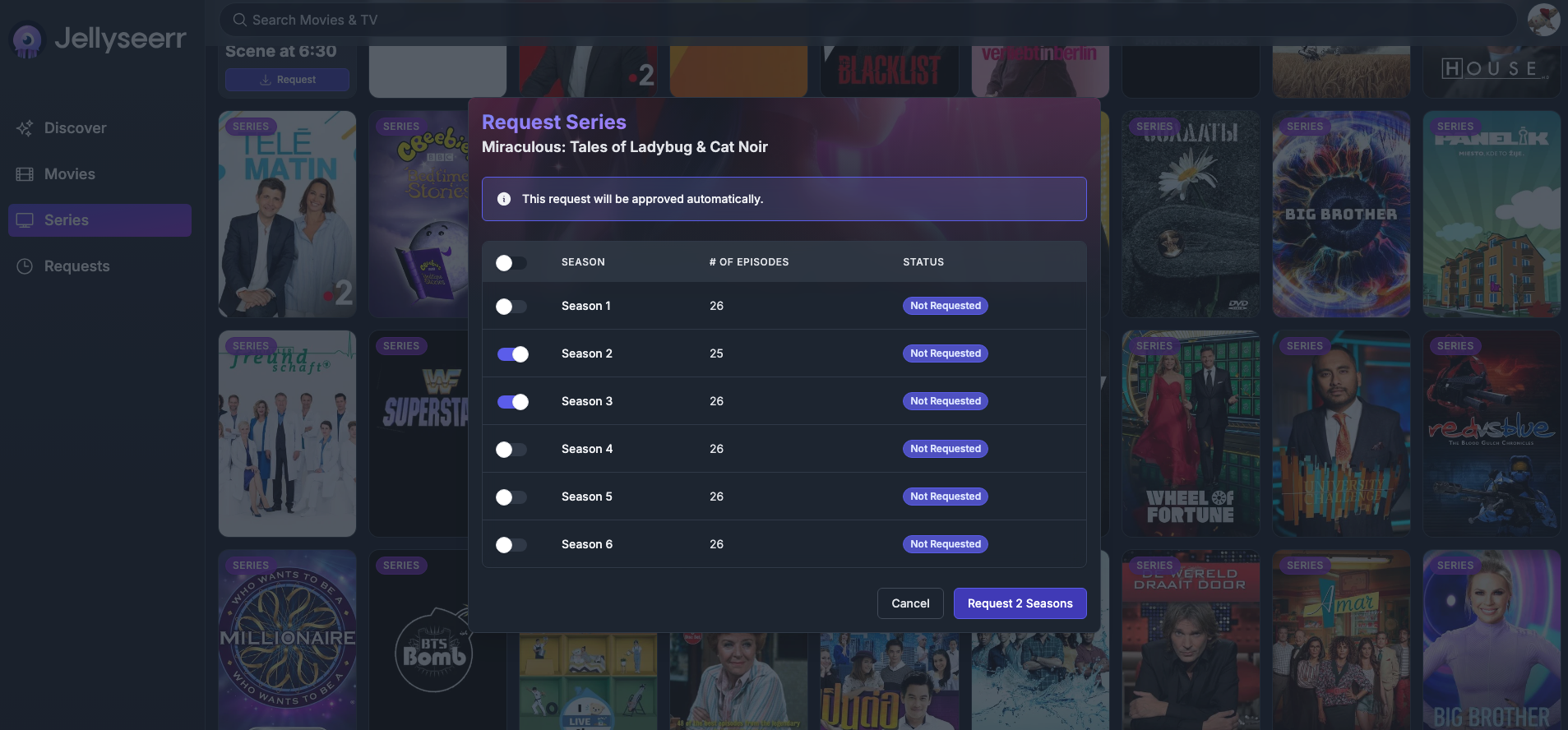
- Select which seasons of the series you want, then hit the request button in the bottom right of the popup.
-
Click on the series' card to go to its page, and hit the request button on the right side shown below:
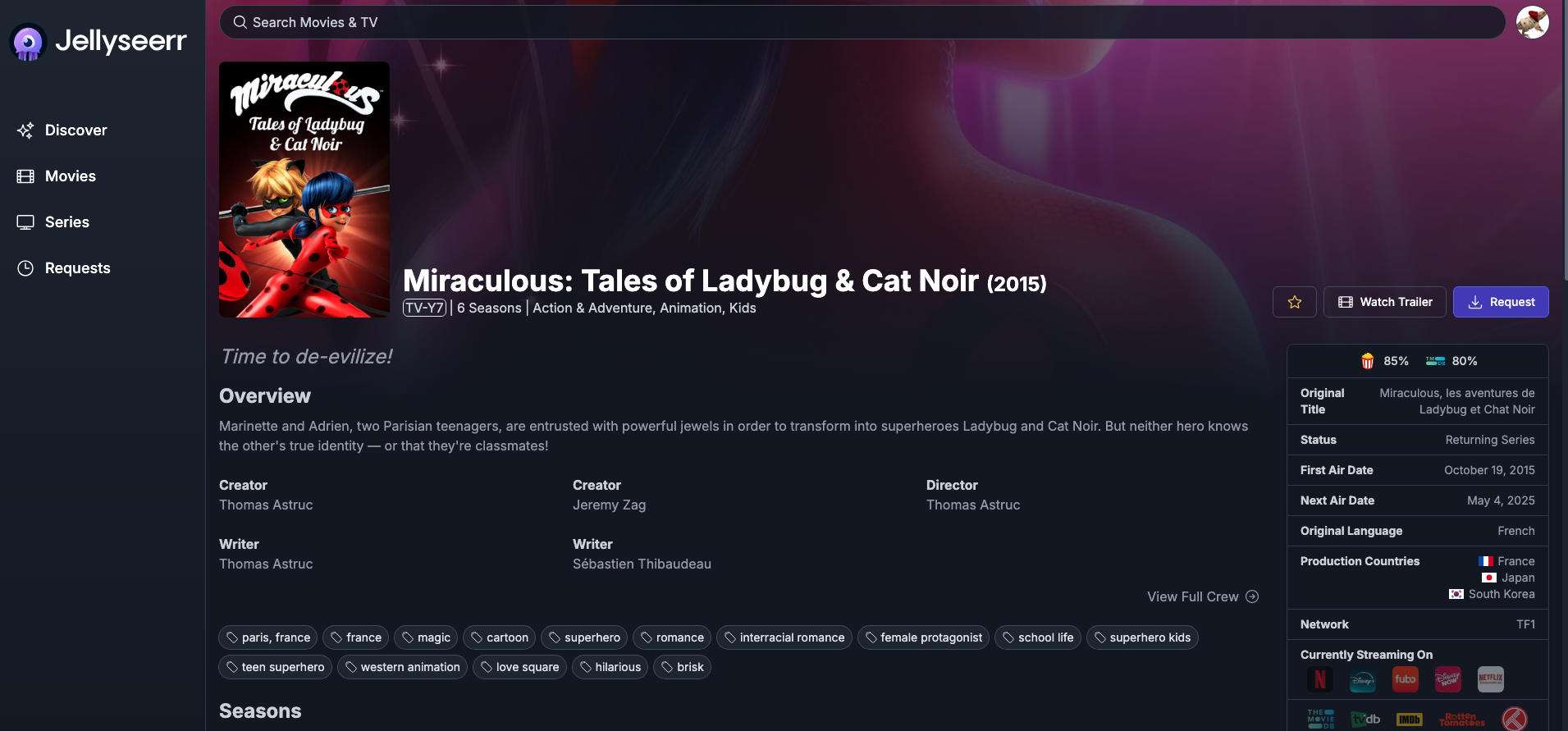
- Here, you'll select go through the same selection as the first option for seasons, so proceed normally.
¶ When will my requested media be available on Jellyfin?
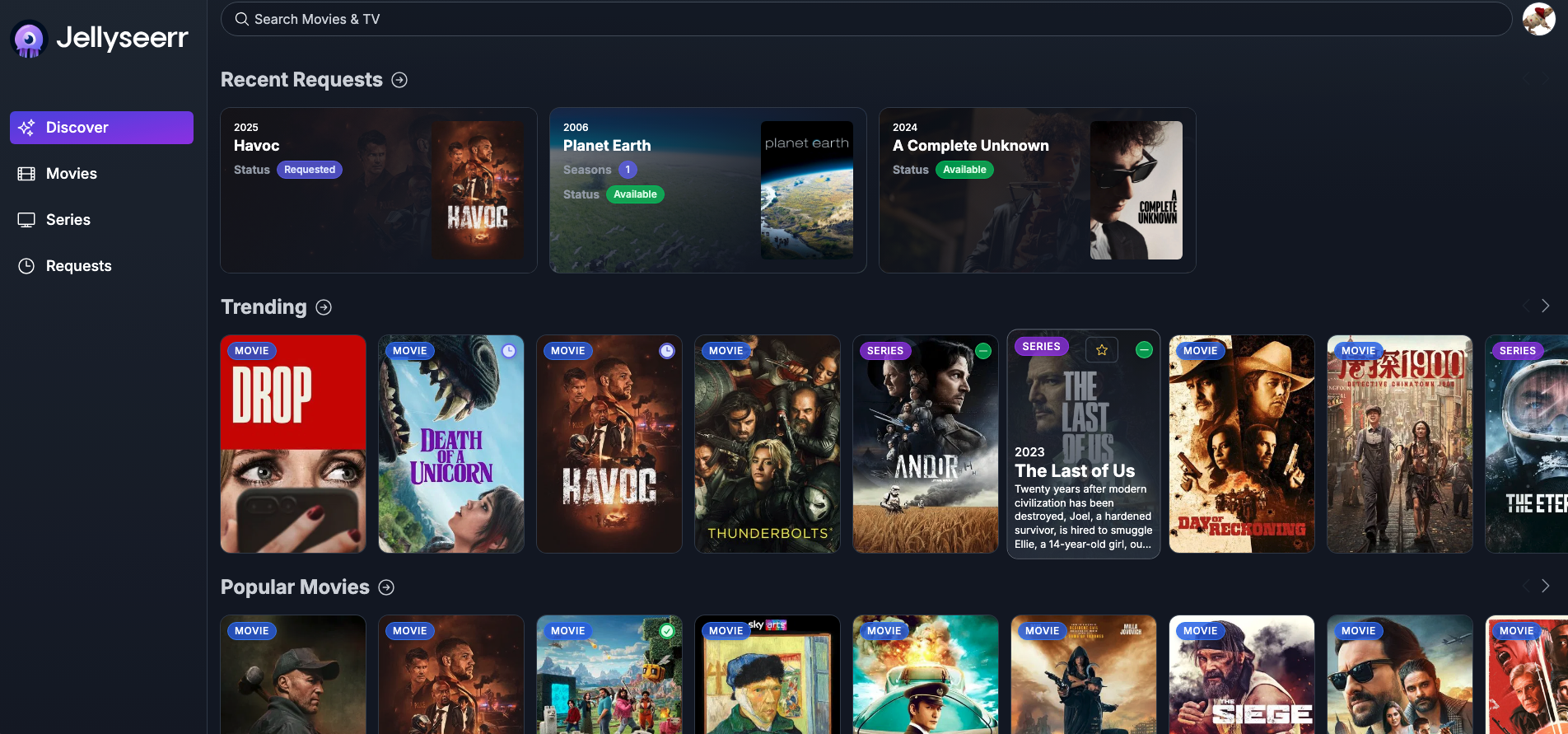
Behind the scenes, it takes a bit of time to grab the requests that users put in. Though relatively quick, it will normally be around 1 day until the request is available on Jellyfin. However, if what was requested is a more niche piece of content, it could take up to weeks to grab it fully.
Thankfully, you can see the status of your requests on Jellyseerr's home page, at the top of the lists as seen below:
¶ Can I request music on Jellyseerr too?
Unfortunately, support for music requests has not yet been implemented into Jellyseerr. However, it is being worked on currently, so the hope is that in the near future, Jellyfin will be the one-stop-shop for movies, television, and music for all users.
Updates on the development of this feature will be posted here!
- If you're interested in the code behind it, you can checkout the pull request for this feature and its status here on GitHub.
¶ Anything Else?
Nope! That's all you need to know about Jellyseerr. Have fun and happy watching!